A smart home, at its simplest, is just a handful of connected devices you can control from your phone or by voice instead of a wall switch. Starter kits exist to remove the guesswork of picking compatible pieces on your first try.
Choosing your ecosystem
- Amazon Alexa — best for: budget devices, the widest third-party compatibility
- Google Home — best for: Android users and anyone already using Google services daily
- Apple HomeKit — best for: iPhone users who prioritize privacy and tighter device security
Top starter kit picks
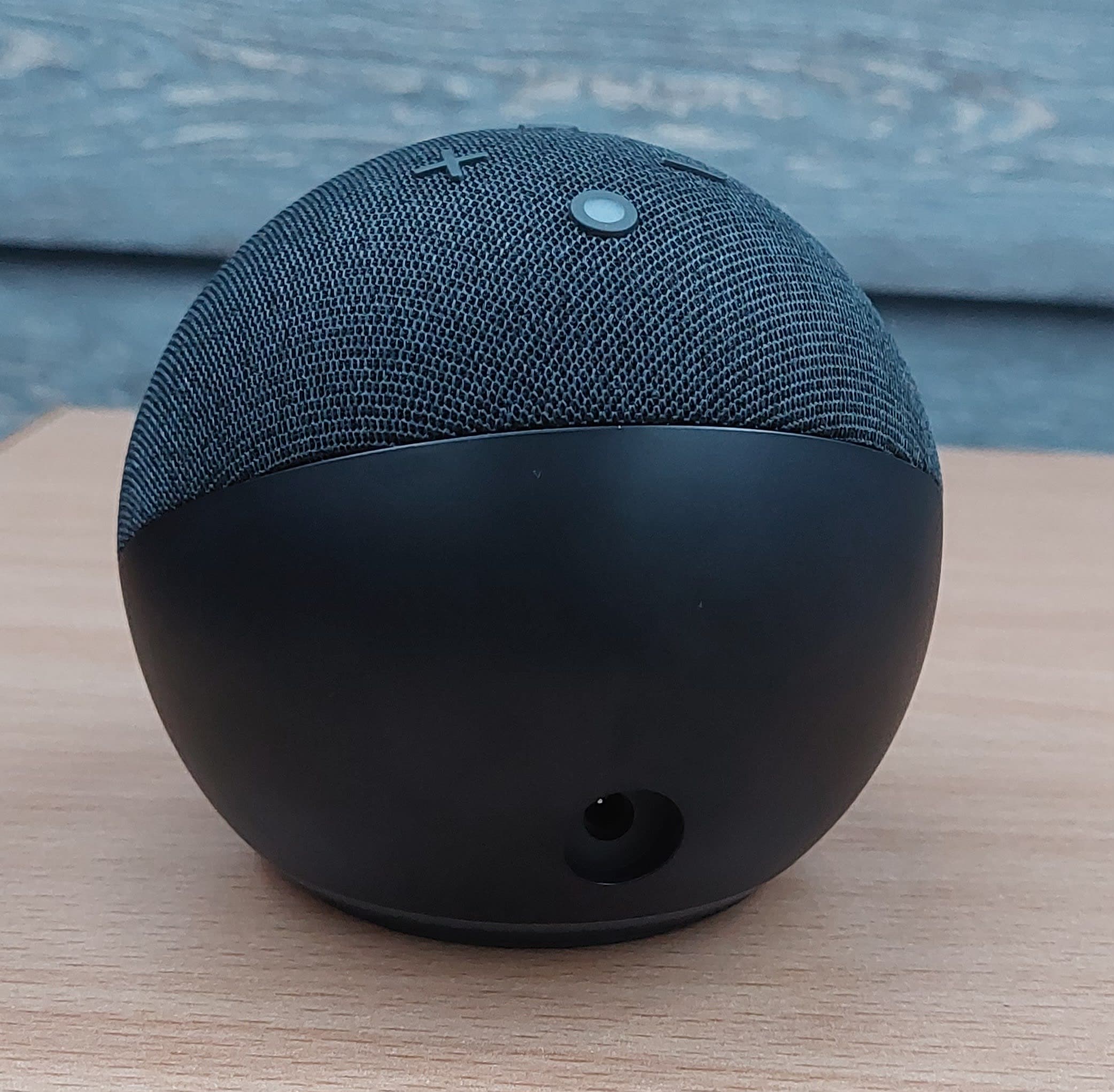
Best overall — Amazon Echo Dot (5th Gen) bundle
The cheapest, most flexible way into a voice-controlled smart home, with the widest device compatibility of any ecosystem.
Check price on AmazonBest Google-based — Google Nest Hub (2nd Gen)
Adds a screen to the voice assistant, which is genuinely useful for recipes, routines, and camera feeds — a strong pick if you're already in the Google ecosystem.
Check price on AmazonBest Apple HomeKit starter kit — Aqara Hub with sensors
A straightforward way into HomeKit without needing an Apple TV or HomePod as the hub, with door/window and motion sensors covered in one bundle.
Check price on AmazonBest budget pick under $50 — Wyze Bulb Cam
A smart camera and a dimmable smart bulb combined into one device that screws into any standard light socket — an easy, low-cost way to add a starting point without buying a separate hub.
Check price on AmazonBest premium starter kit — Samsung SmartThings Station
A more capable hub aimed at people who plan to grow well past a handful of devices, with broader third-party device support built in.
Check price on AmazonEssential devices to add next
- Smart bulbs — the easiest first upgrade after your hub
- Smart plugs — turn any existing device into a "smart" one instantly
- Smart thermostat — usually the single biggest energy-savings upgrade
- Video doorbell — the most commonly added device after the initial kit
- Smart security camera — pairs naturally with a video doorbell for full coverage
Setup guide for beginners
- Choose your hub/ecosystem based on the phone and services you already use
- Download the companion app before unboxing anything
- Connect your first device and confirm it responds reliably
- Set up one or two routines (like "Good Morning") once the basics work
FAQs
How much does it cost to start a smart home? A basic starter kit runs $30–$100; most households end up spending more gradually as they add devices one at a time.
Do smart home devices work without wifi? Most need wifi or a hub connection to function; a handful of battery-powered sensors work locally but still need a hub to be useful.
Can I mix Alexa and Google devices? To a degree — many third-party devices support both, but the native hub experience works best when you stay within one ecosystem.
Bottom line
If you're not sure which ecosystem to commit to, the Amazon Echo Dot bundle is the cheapest, lowest-risk starting point — you can always add Google or Apple devices later since most smart home gadgets support more than one platform.